Monday, 11 January 2016

Mundane Object

This is my mundane object produced in one of my software sessions. The original mundane object was a phone box just outside of City Space. 


This was created using the threshold and corner rotation tool then duplicated to create four more copies of the piece.

Physical Collage (Print Out)

This piece of work was created during the collage session, this was one of the outcomes from the spontaneous layout section of the workshop. I photographed all of the different layouts that were created from this and then decided to stick down and commit to this layout. I am use to designing something and knowing what the final product will somewhat look like so that session was different for me as I didn’t really have any control over what the outcome would be.

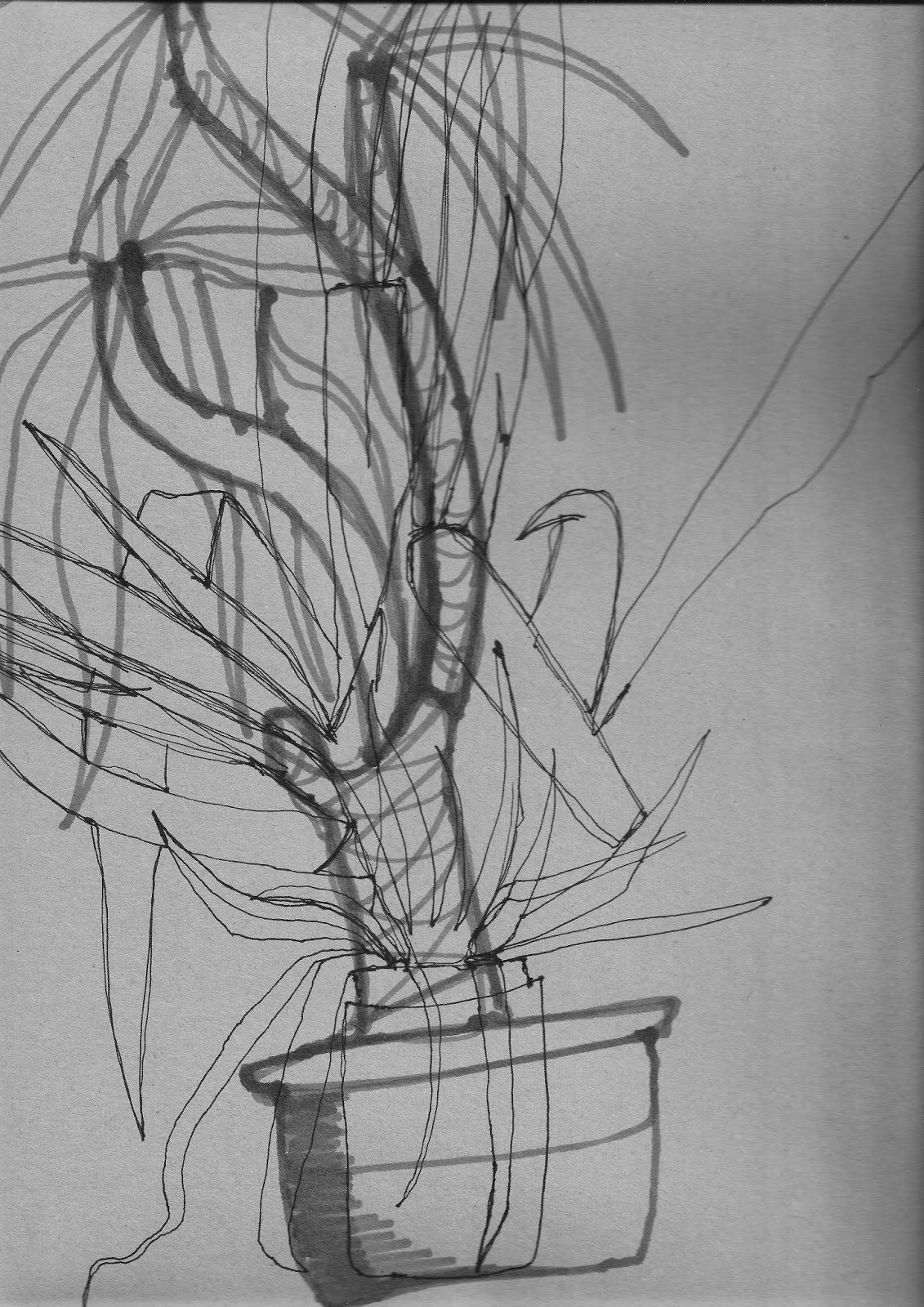
Still Life Drawing


This is my still life drawing, this piece was made from two different methods the first was using dots them connecting them and the second was by only looking at the subject and not taking my pen off the paper. I have done work similar to this before and I find it very useful in testing your drawing skills.

Repeat Pattern

This is the repeat pattern I made within my digital session. I was made in illustratior using the repeat image effect, my mark making work and stock shapes in Adobe Illustrator. I like the layout of this piece as the shapes breakup the image and add a different feel to the image. There were several pieces of this work made during the digital session this was my favourite that is why I have chose to use it for my module journal.

Sunday, 10 January 2016

Hannah Collins Baltic

This work was a series of large prints, made up of a series of A1 sheets carefully layered on top of each other. I liked the idea having the sheets layered, It means that the print can be on a bigger scale but it also made the work look different. 

All of the prints were displayed on a white wall, which was a very good contrast, the magnets were not visible from distance  making  sure that you could see all of the artwork.

Looking at the work in the display cases, I could see that they were all individual prints; however, from a distance they looked like a series of prints all on one sheet of paper. 

The use of white space in this exhibition was well executed, even though there was a lot of white space around the artwork and on the prints it added to the work rather than look too blank and plain for a gallery.

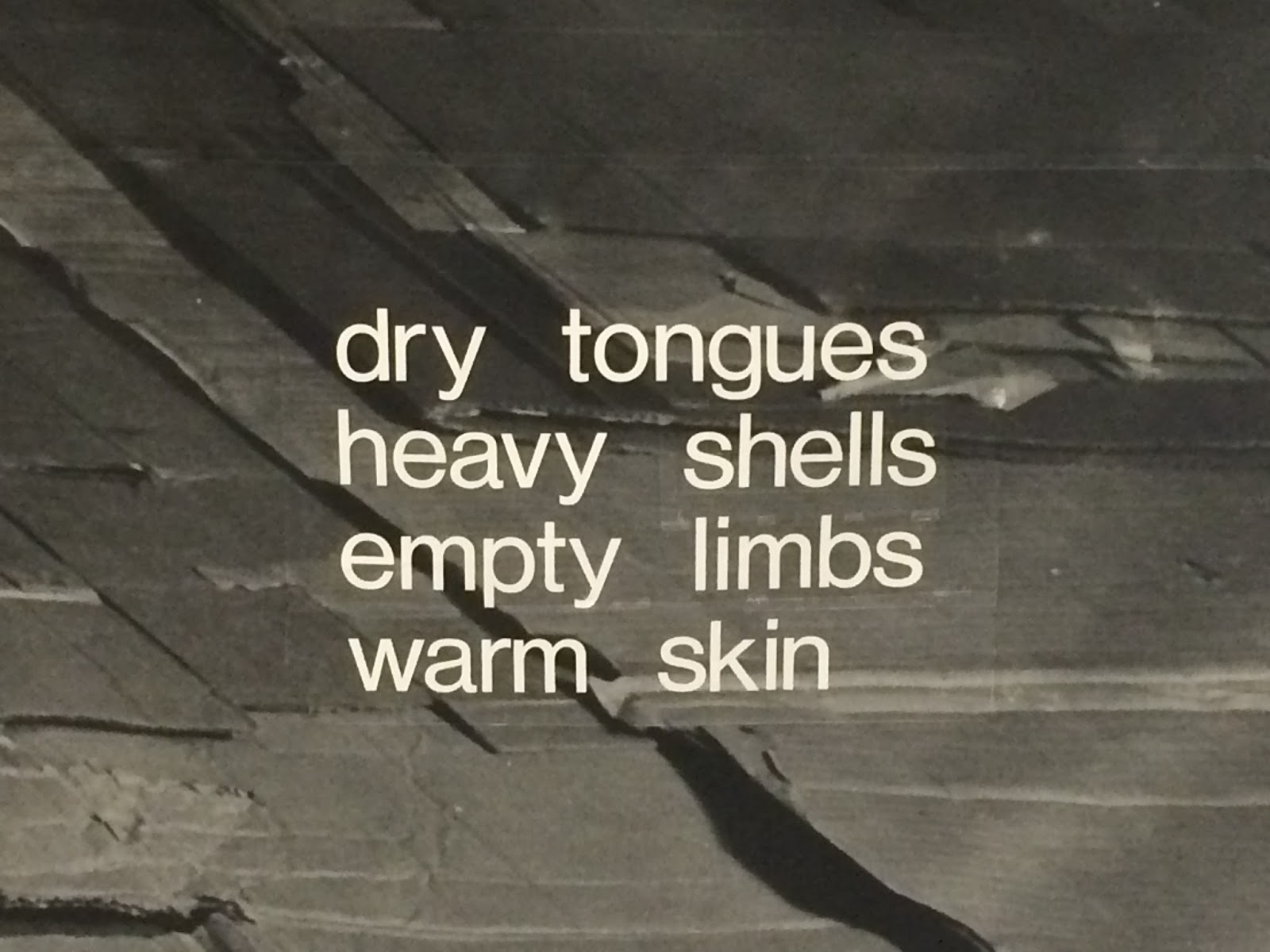
The text was used in this piece to give the viewer a description of what you could feel and see in the location in which the 
photograph was taken.


Thumbnail Sheet

This the thumbnail sheet provided during one of the workshops. What I enjoyed about this task was that it made you think. Only being allowed to use three shapes made to think about what you could make, it was a good exercise to get everyones brain thinking before starting other tasks.

mind mapping

This is the mindmap that my group made on the first week of the course. It contains all different ideas and usages we had for paper,, when we first got the assignment of paper we were all a bit baffled as we only saw paper for printing and drawing on. 


This mindmap was great way for the group and myself to get a different perspective of what you could do with paper, the different types, thickness, uses and limitations.

Sunday, 3 January 2016

Physical Collage (Design Centre)

This is my physical collage of the images that I gathered of the design Centre. The collage was done on paper then I scanned it into the computer and then I added the threshold effect to it.


I had made multiple version of this collage but this ended up being my favourite out of the lot I had made. The threshold was put onto the image to make the image bolder as the colour seemed to fade on some of the images.

Physical layout

This image was made within the Physical and Digital Layout session. The image contains some of the copyright free material that was provided to us within the session. This was another session that I found useful as I don’t do a lot of work that involves manipulation of images on paper, it is mainly done on the computer, so this was a welcome change.

Digital Layout

This image was made in InDesign, within the Physical and Digital Layout session. The image consists of one image, repeated within a cycle pattern. The image was taken from on of the copyright free images that were provided to us for this session. 


This session was very useful for me as it showed me different techniques and        features that I didn’t know were available within InDesign. The different images we were given we all useful to test out different techniques within InDesign.